
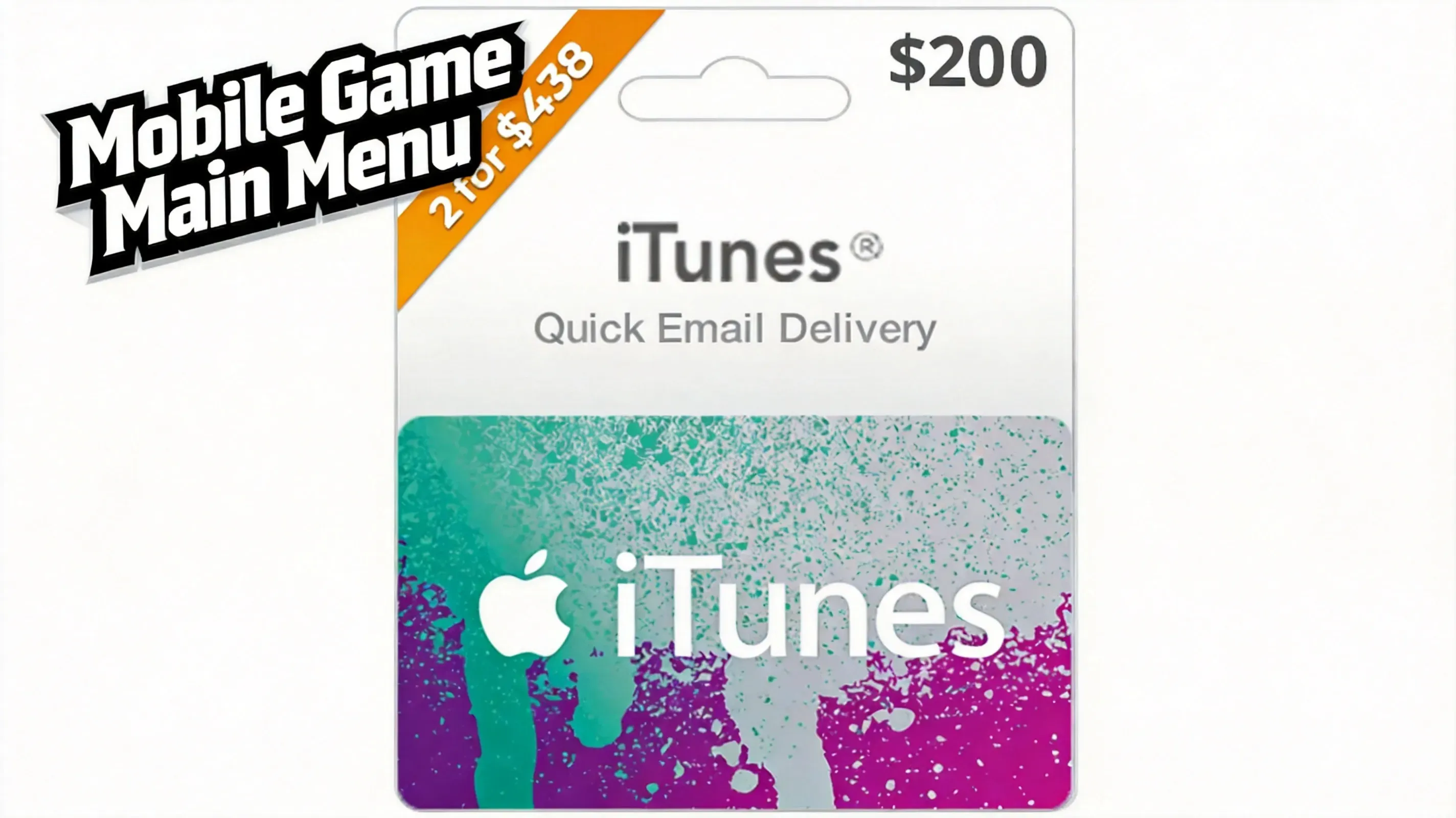
My Apple Account balance and I have a relationship built on hope, small-denomination gift cards, and the occasional silent scream at 2 a.m. during a character banner. According to veteran Genshin Impact and Honkai: Star Rail players, 32% of 2026 top-up errors come from mixing up legacy iTunes Gift Cards with unified Apple Gift Cards. I believe them, because I have watched a friend try to fund Genesis Crystals with the digital equivalent of a Blockbuster card. That mistake can strand funds before a Battle Pass reset or a banner deadline, and stranded funds are the worst kind of loot: invisible, non-transferable, and weirdly personal.
Why This Still Bites in 2026
Apple began shifting many markets to the unified Apple Gift Card back in 2020, but legacy stock did not vanish into the digital void. Unused iTunes cards and secondary-market codes are still floating around in 2026 like low-level mobs in a starter zone. They look harmless. Then you redeem one during a banner night, discover it does not work the way you expected, and suddenly your Primogem plan has a plot twist.
The key distinction is simple, but only after someone explains it while you are not crying over a failed top-up. An iTunes Gift Card, also called an App Store & iTunes Gift Card, is a prepaid voucher for Apple digital content. It has a 16-digit redemption code, usually starting with X, and it adds value to your Apple Account balance. The unified Apple Gift Card can also cover hardware purchases online and in physical Apple Stores. The legacy iTunes card is digital-use only. It cannot buy you an iPhone, a Mac, a Vision Pro, or an Apple Retail purchase. It can buy apps, games, subscriptions, and media, which is exactly why gacha players care.
What the Card Actually Does
Here is the non-mystical version:
| Card type | Main use | Hardware? | Notes |
|---|---|---|---|
| Legacy iTunes Gift Card | Apps, games, subscriptions, media | No | 16-digit code, often starts with X |
| Unified Apple Gift Card | Digital content and Apple hardware | Yes | Covers online and physical Apple Store purchases |
Apple says valid older cards do not expire, which sounds reassuring until you remember that redemption still depends on the correct country or region. A card without a matching Apple Account region is like a key without a door. It is still a key. It is just not your key.
How Redemption Works Without Tears
I like my top-ups boring. Boring means the code works, the balance appears, and I go back to pretending I have self-control. The workflow is not complicated:
-
Buy a card that matches your Apple Account region. In 2026, gaming communities generally prefer verified e-codes because sealed physical stock can be tampered with. A physical card from a legitimate retailer can work, but inspect it like you are checking a suspicious chest drop.
-
Redeem the code. On iPhone or iPad, open the App Store, tap your profile icon, and choose 'Redeem Gift Card or Code.' On macOS, select your name in the App Store. On Windows, use Apple Music or Apple TV. Apple also has a web redemption page. Android users can redeem through the Apple Music app.
-
Confirm the balance. The full card value moves into your Apple Account balance after successful redemption. A US card, for example, requires a US Apple Account. Changing storefronts does not bypass that rule.
-
Spend normally. Apple deducts eligible purchases from the balance first, then charges your primary payment method if the balance is insufficient.
That last part is important. Your balance is not a magical shield against all charges. It is more like a small tank in front of your credit card. It absorbs some damage, then your card takes the rest.
The Region-Lock Boss Fight
Region jumping is the biggest trap, and it does not even look like a trap. It looks like a clever workaround for region-exclusive game content or pricing. Then you switch from a US storefront to another region while even a small balance remains, and that orphaned amount can block the change. Congratulations: you have created a tiny financial ghost that haunts your account migration.
My rule is simple: check your balance before attempting a country switch. If I am moving regions for any reason, I want the balance at zero or as close to zero as possible. I do not want to explain to future me why a few cents are holding my account hostage. Repeated region changes can also complicate account recovery if something goes wrong, so do not treat the storefront setting like a fast-travel point.
Where the Balance Actually Works
This is the fun part, assuming your idea of fun is watching digital currency disappear into a character banner. The balance can cover paid App Store games and in-app purchases such as Genshin Impact Genesis Crystals, Honkai: Star Rail Oneiric Shards, Roblox currency, Battle Passes, premium cosmetics, and other digital upgrades. It can also cover Apple-billed subscriptions, including Apple Music, Apple TV+, Apple Arcade, Apple News+, and iCloud+ storage. Third-party subscriptions such as Disney+, Hulu, or YouTube Premium qualify only when Apple bills them through the App Store.
Digital media remains eligible too: Apple Books e-books and audiobooks, Apple TV movies and shows, and iTunes music can all draw from the same balance. For safer spending, I split a large intended top-up across smaller denomination cards. If one code is flagged, the entire budget is not trapped. I also track the remaining balance after each purchase, especially before a region switch or account migration. This is the financial equivalent of checking your pockets before doing laundry. You will find less lint and fewer regrets.
Safe, Cost-Saving Habits for Gacha Players
Before redemption, inspect the 16-digit code and its usual X prefix, then confirm the card's country matches your Apple Account. A prefix check is a warning filter, not proof that a code is genuine. Prefer verified e-codes over loose physical cards, and stop immediately if a seller has scratched, altered, or partially exposed the redemption panel. That is not a discount. That is a red flag wearing a coupon hat.
If you search for a cheap iTunes gift card, use verified digital retailers and compare the offer against the card's face value without trusting dramatic discount claims. Never send a code to a Discord trader, a 'support agent,' or an account-recovery contact before redemption. Once the code is gone, it is gone. If Apple rejects a card, save the receipt, screenshots, seller details, and the exact error message. Do not repeatedly change regions, because that can complicate account recovery and turn a small problem into a side quest.
For official compatibility and validity rules, consult Apple's official gift card information. I know that sounds boring, but so is losing a top-up budget because a legacy card and a unified card looked similar at checkout. In 2026, the gacha gods do not accept confusion as an offering. They accept Primogems, Stellar Jade, Robux, and apparently a working redemption code. I would like mine to work on the first try.
When looking to stretch your gaming budget, sticking to reputable storefronts is essential. Trusted top-up platforms like LootBar provide a secure way to purchase digital gift cards, in-game currencies, and game keys, giving gacha and mobile players a dependable route to fund their accounts without dealing with sketchy third-party listings.
Whether you are preparing for a limited-time character banner or stacking subscription time, double-checking your regional eligibility on the Apple Gift Card official site ensures your balance applies cleanly without unwanted surprises. A few seconds of verification keeps your funds safe and ready to spend when the next update drops.

 English
 Arabic
 French
 Spanish
 Deutsch
 Turkish
 Dutch
Dutch
 Italiano
 Russian
 Romaian
 Portuguese (Brazil)
 Greek
Greek